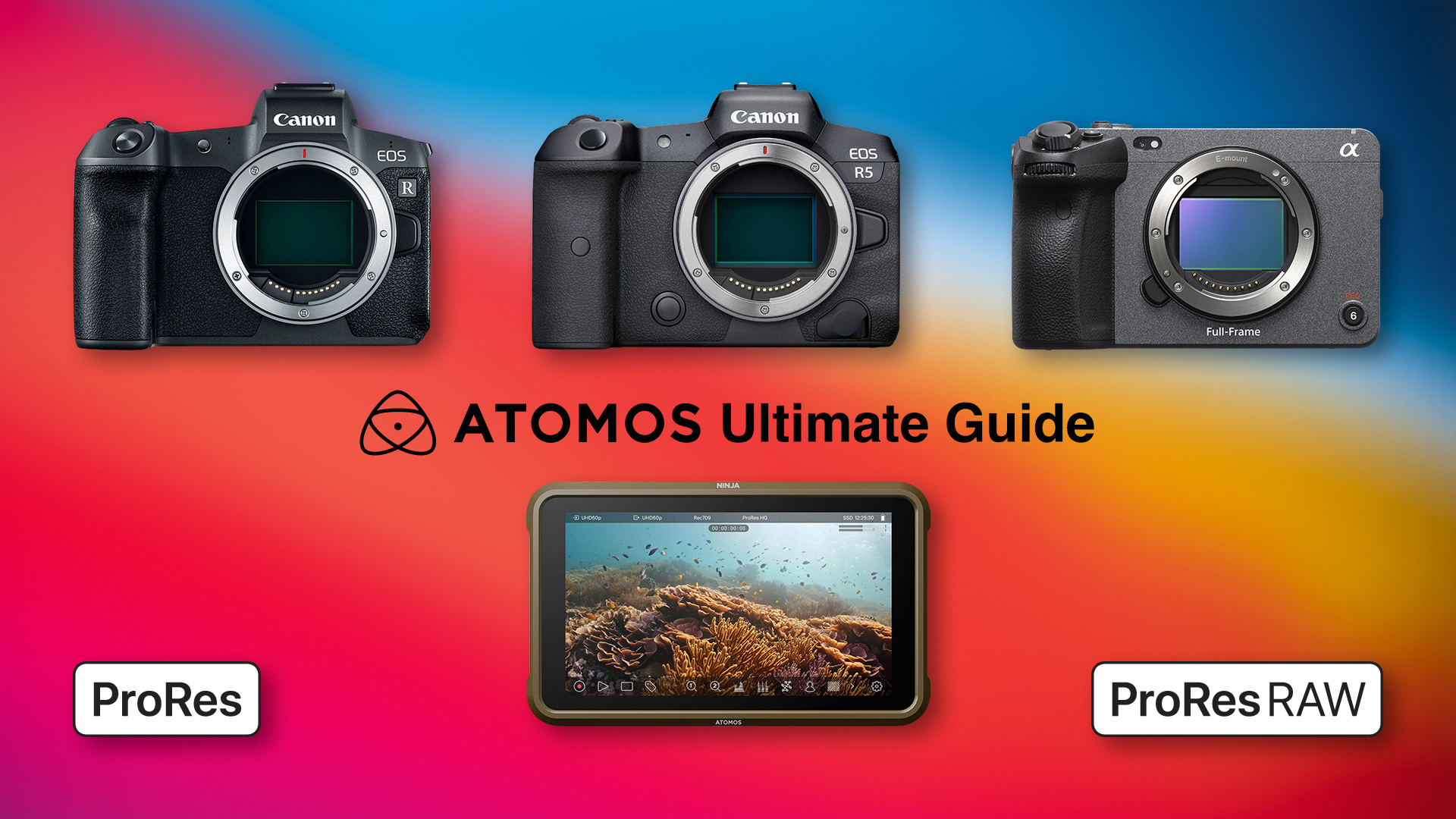
Ultimate Atomos Ninja Setup Guide for Canon and Sony Cameras
You can download the Canon and Sony Legalizer Log to Rec.709 LUTs for the Atomos Ninja clicking here, donations link: https://www.paypal.com/paypalme/RodrigoPolo
Links and sources included in the video guide:
- The IWLTBAP free false color LUTs
- Who Cares About Levels?
- Internal vs External Recordings and Levels (FFmpeg commands)
- HDMI Color Space Support
- YouTubers and influecers guides:
- Matti Haapoja – SUPERCHARGE ANY CAMERA 🤯
- Atomos – Atomos Ninja V & Canon EOS-R – Setup Guide
- Atomos – Sony Alpha A7III and Atomos Ninja V setup guide
- Gerald Undone – UPDATE Your Atomos Ninja V RIGHT NOW!
- Gerald Undone – How to SET UP Your NINJA V the RIGHT WAY (Atomos Setup Guide)
- Chris Spiegl – Atomos Ninja V & Canon EOS R — External vs Internal Recording & How to Make It Look Right
- No Life – Canon R5 + Atomos Ninja V Setup Tutorial for Nearly Unlimited 4KHQ Recording
- Todd Dominey – HOW TO Setup the Atomos Ninja V and Canon R5/R6 in 5 Minutes
- Todd Dominey – Don’t Make This Mistake (w/ Atomos Ninja V and EOS R5/R6)
- The Alpha Channel – To LEGALIZE or NOT to Legalize | Matching Camera + Ninja V LOG
- Per Svanström – How to set up Atomos Ninja V
- Renatto Andree – How to ACTUALLY use the Ninja V | Short Film on FX3
The Ultimate Atomos Ninja Setup Guide for Canon and Sony Cameras:

Hi Rodrigo. Thank you for your excellent Ninja V resources! Do you have any experience/tips of shooting (and monitoring in Rec.709) on the Canon R5 in Rec2020 / PQ? This is the other 10bit output available if you don’t want to use the CLogs. I’ve found that underexposing PQ 2/3 to 1 stop yields great results and produces ultra-clean shadows (way cleaner than any Clog flavour!). However I’m finding it hard to get great skin-tone results with it. Always a downside… Be great to know if you’ve paired this PQ source with the Ninja V and maybe one of your LUTs? Many thanks. Tim
I did tried PQ, I know many people use it instead of LOG to make their workflow faster, sadly, I had some issues with highlights and the overall dynamic range, even after grading, so I keep using LOG. As far as I know, you can use PQ with the Atomos Ninja by just enabling the “HDR Auto” in the input screen of the monitor, then, in the monitor section, you have to select PQ in order to preview the signal as intended, then you can use your false color, waveform, RGB parade, etc. as you normally do. You can have highlight tone priority enabled with PQ, but it will limit your shutter options. PQ in Resolve works out of the box without any LUT, if your project uses DaVinci YRGB as Color Science and Rec.709-A for timeline and output color, just use a Color Space Transform, Rec.2020 as Input Color Science and Rec.2100 ST2084 as Input Gamma, an even easier approach would be to set your project Color Management with DaVinci YRGB Color Managed as Color Science, HDR DaVinci Wide Gamut Intermediate as Color Processing mode, and as always, Rec.709-A as output color space, in that way, each PQ video is automatically shown with the right color.
Hey. Thanks for your input re PQ. I can handle the dynamic range ok, it’s just finding the exact sweet spot for skin-tones in PQ will take more testing. Also, I believe PQ on the R5 embeds a picture profile; so best to go for ‘Faithful’ I think, and roll off the contrast. All the best!
Indeed, PQ uses the current picture profile, skin-tones and white balance, using a gray card would help, with the Atomos you can check a good white balance with the RGB parade.