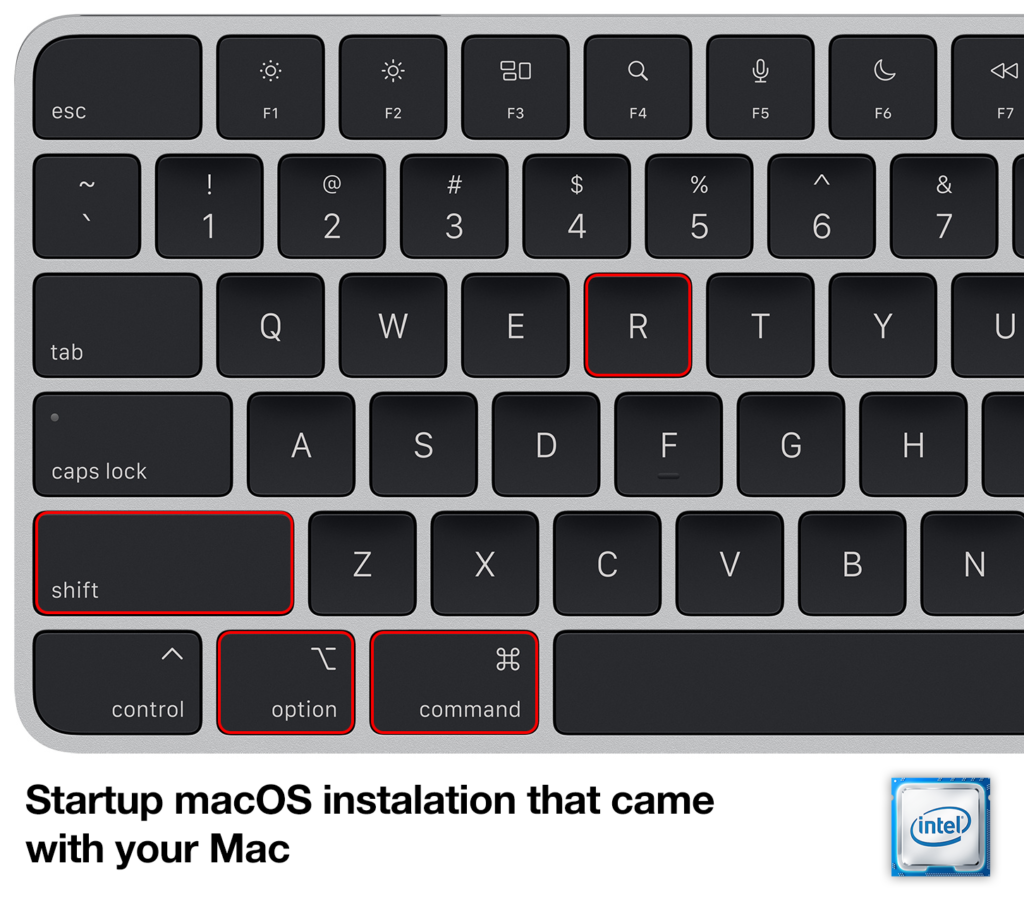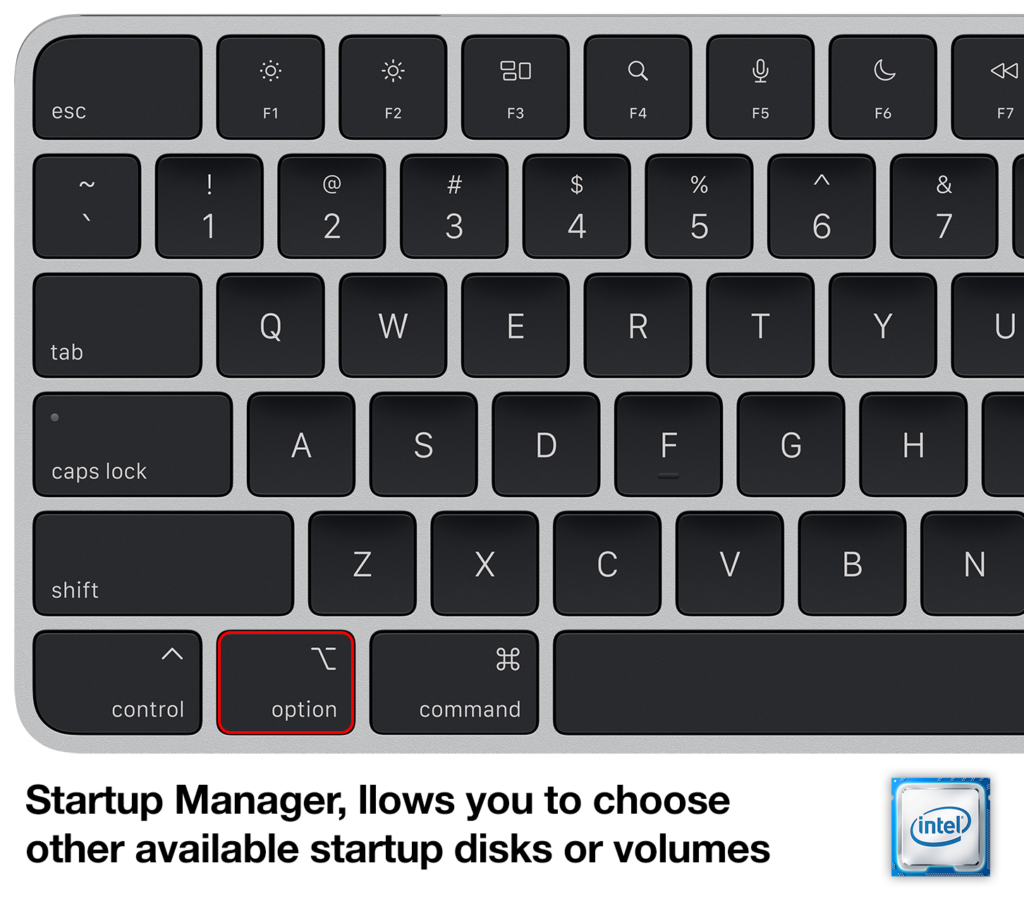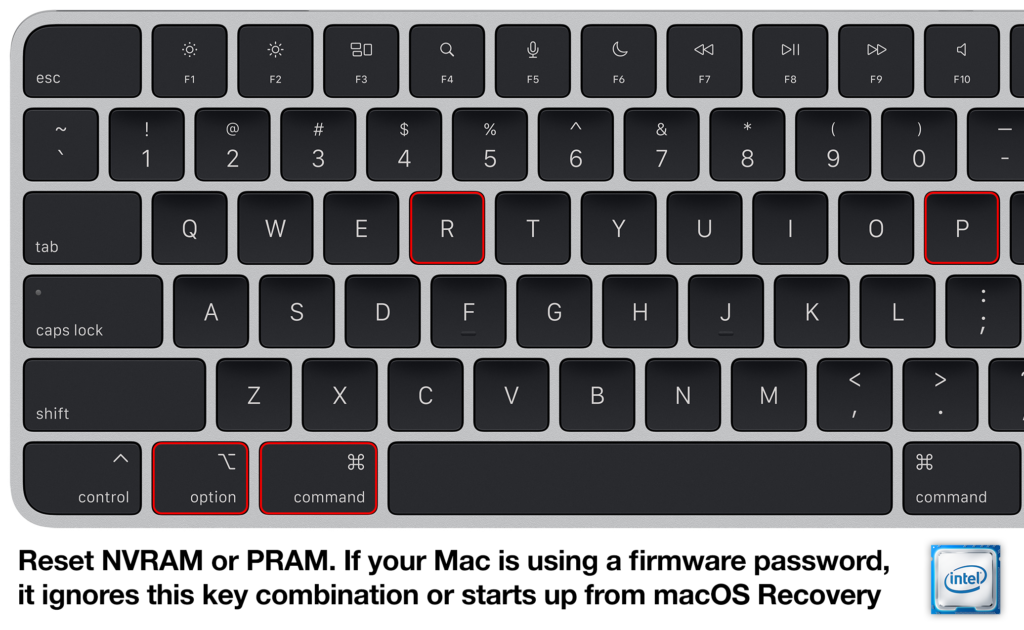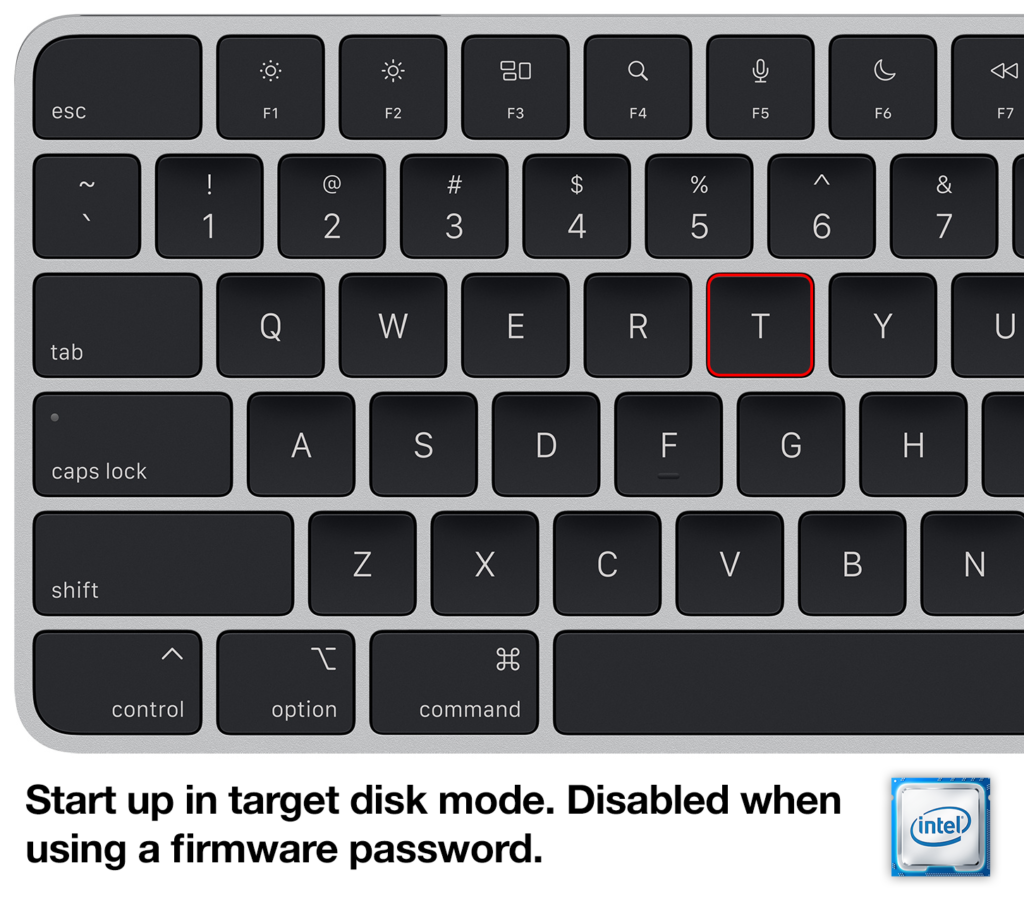
Startup keys for Mac

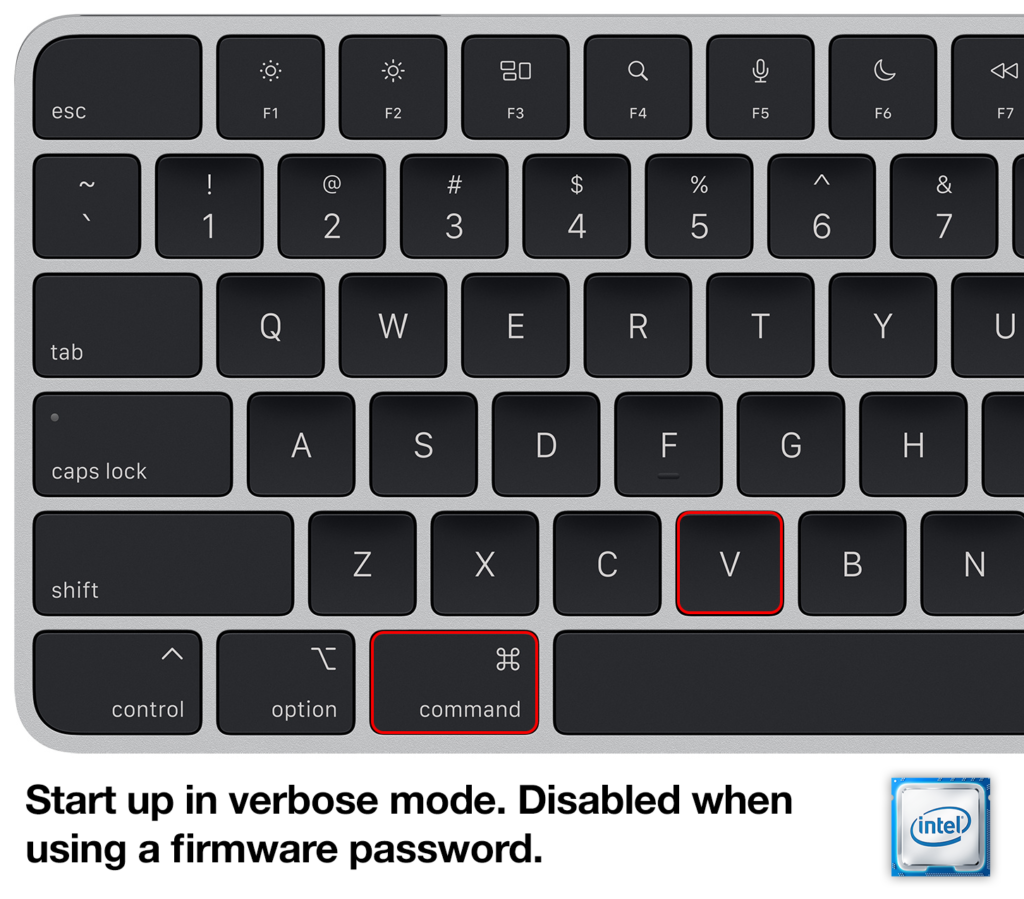
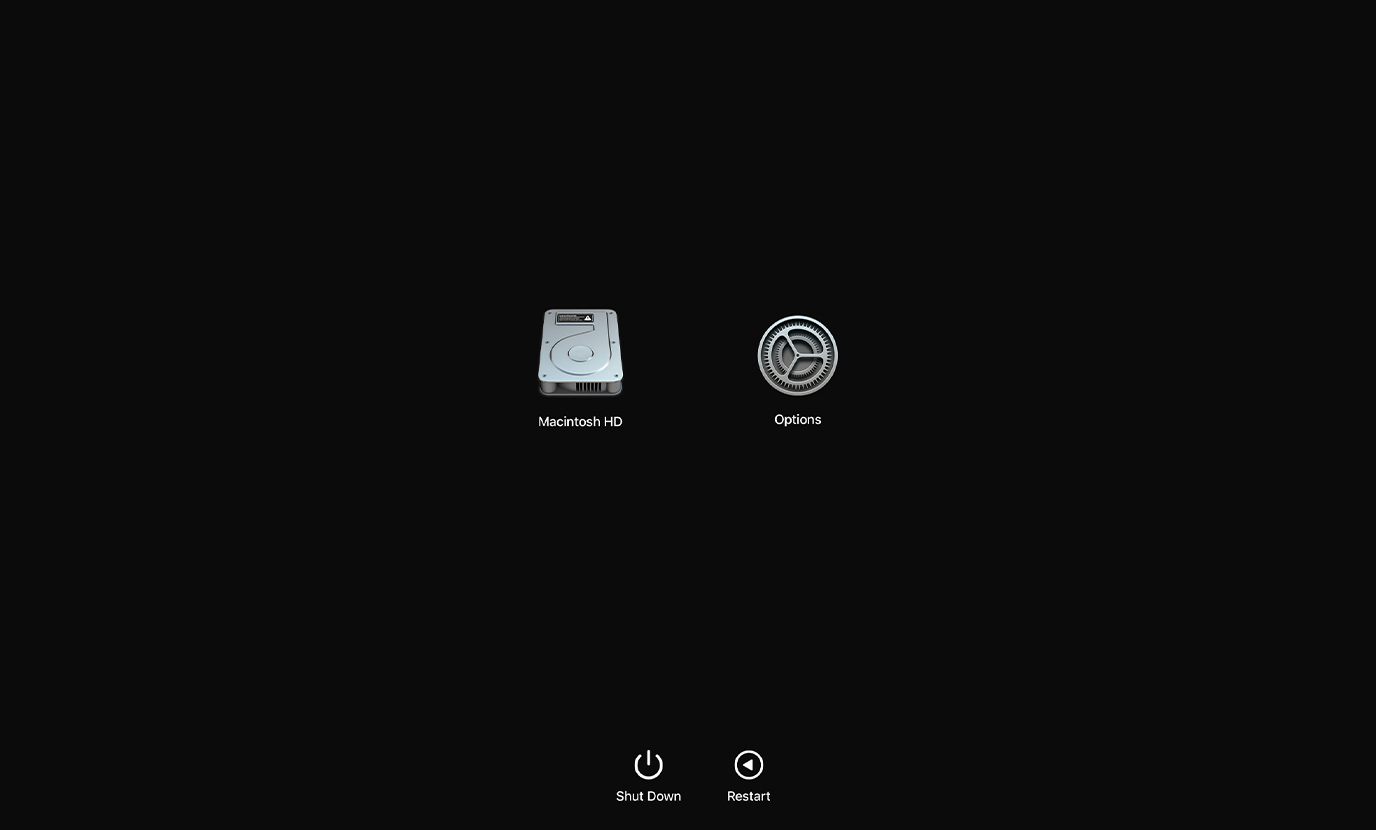
Apple has this issue of naming keyboard keys, then using only icons in their menus, and then, on their support pages, explaining with the name of the keys, so for the typical Mac user, finding which key to press during startup is not always as intuitive as it should be, in that spirit, this post shows illustrations on the available startup keys for Intel Macs, for Apple Silicon Macs, read their article “Use macOS Recovery on a Mac with Apple silicon“.
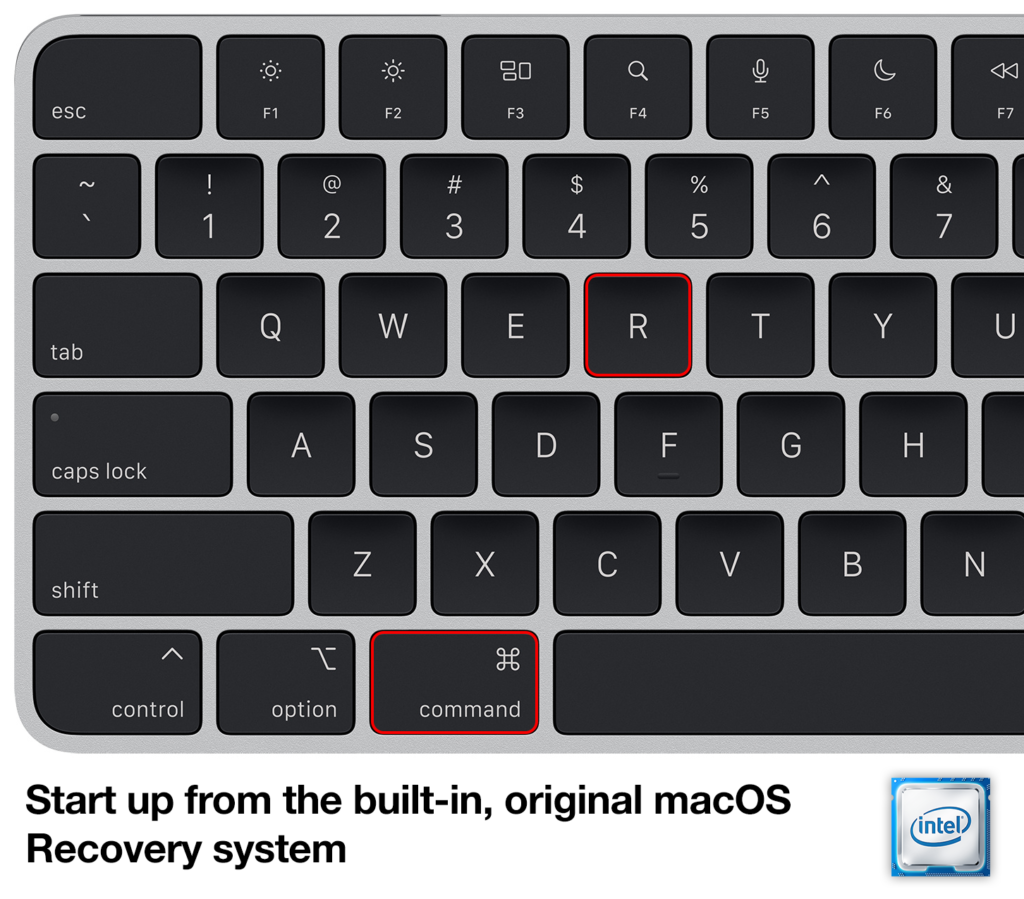
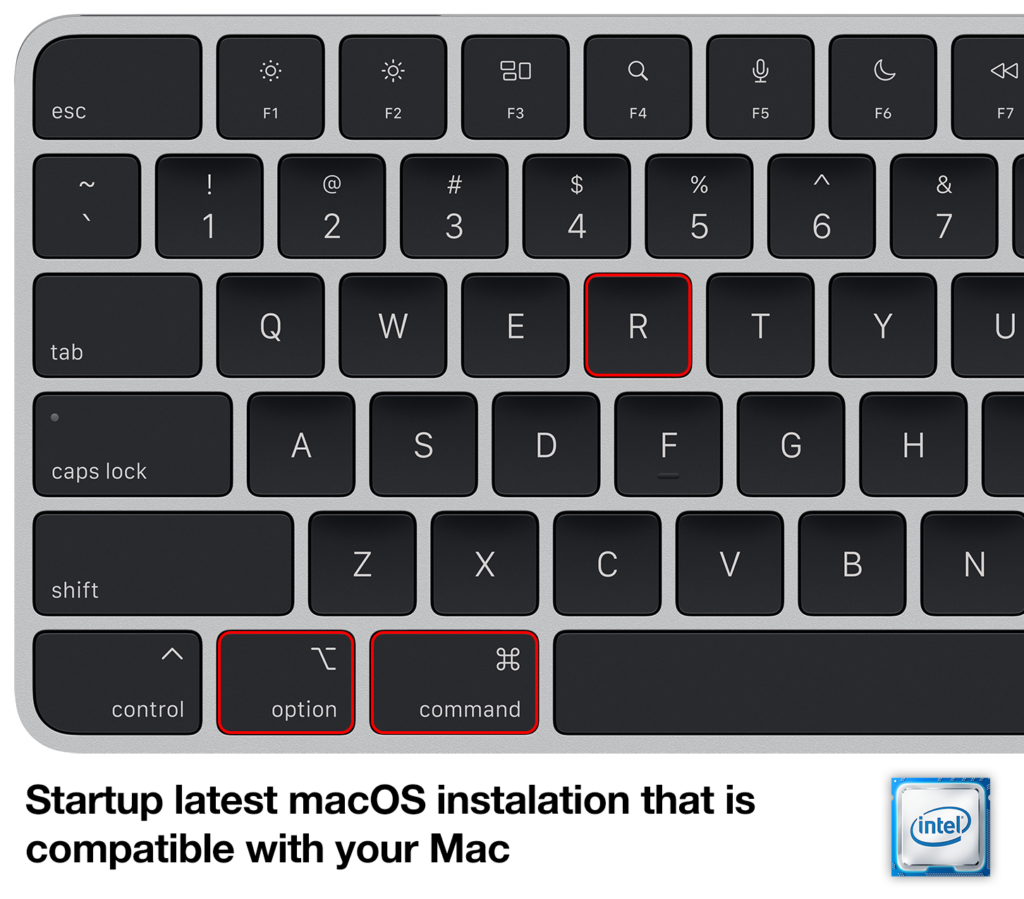
Built-in Recovery
Latest internet recovery
Original recovery from the internet
startup manager
Reset NVRAM/PRAM
Safe mode
Apple Diagnostics
Apple Diagnostics over the internet
Single-user mode
Target disk mode
Verbose mode

Leave a Reply

Your email address will not be published. Required fields are marked *

Releated

The perfect charger for the Antigravity A1

Antigravity offers their own 65W GaN Fast Charger for the A1 for just $55 USD, it works great but isn’t included, and if you are travelling with other action cams like the Insta360 Ace Pro 2, Insta360 X5, or the Insta360 Luna Ultra, you will need a charger that can handle all at once, and […]

The (almost) perfect MacBook dock

Let’s start from the beginning, you can have a desktop computer like a Mac Mini or Mac Studio in combination with a MacBook, but having your work spread in multiple devices isn’t the best for project management, and with the recent releases from Apple with its Apple Silicon CPU/GPUs bringing desktop performance to portable devices […]