iPhone HDR video in Resolve the right way!
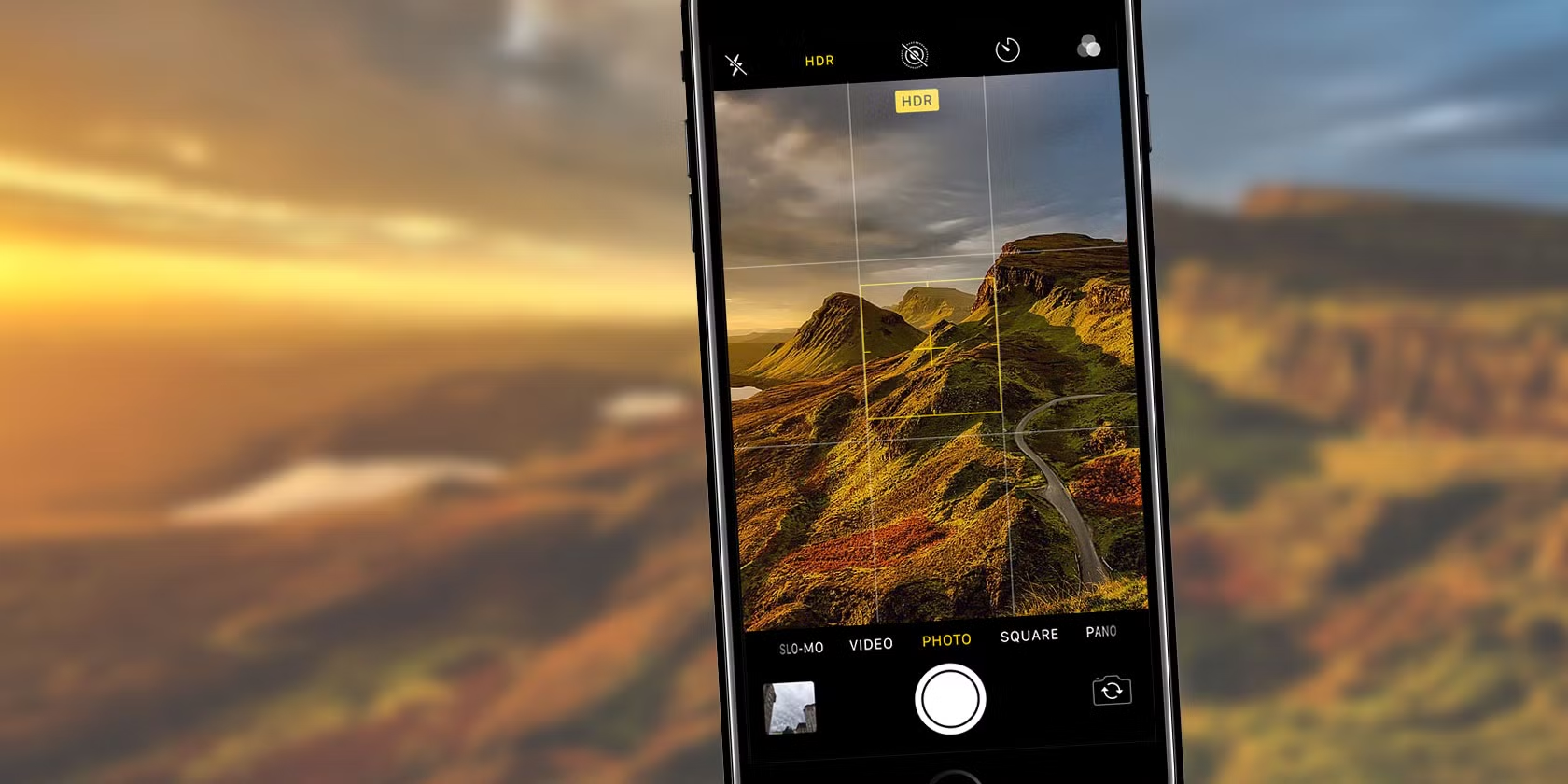
There are tons of videos explaining how to grade iPhone HDR footage to SDR/Rec.709, and they’re all 100% wrong – because none of them address the real problem: IT’S APPLE HDR! The TL;DR is this: iPhone HDR videos are recorded in full-range (0-255), but DaVinci Resolve assumes it’s in video/legal range (16-235) by default.
Here’s exactly how to use it in DaVinci Resolve:
- Drop the LUT into your LUT folder.
- Set Project Settings → Color Management → Color Science to DaVinci YRGB and Timeline Color Space to Rec.709-A.
- Import your iPhone HDR clip and put it on the timeline.
- Apply the LUT (either via right-click → LUT, or drop it on a node in the Color page).
That’s it. Suddenly you have all the latitude of the original HDR file with zero hassle.
Download the LUT, If these save you time (or money), feel free to buy me a coffee: https://www.paypal.com/paypalme/RodrigoPolo