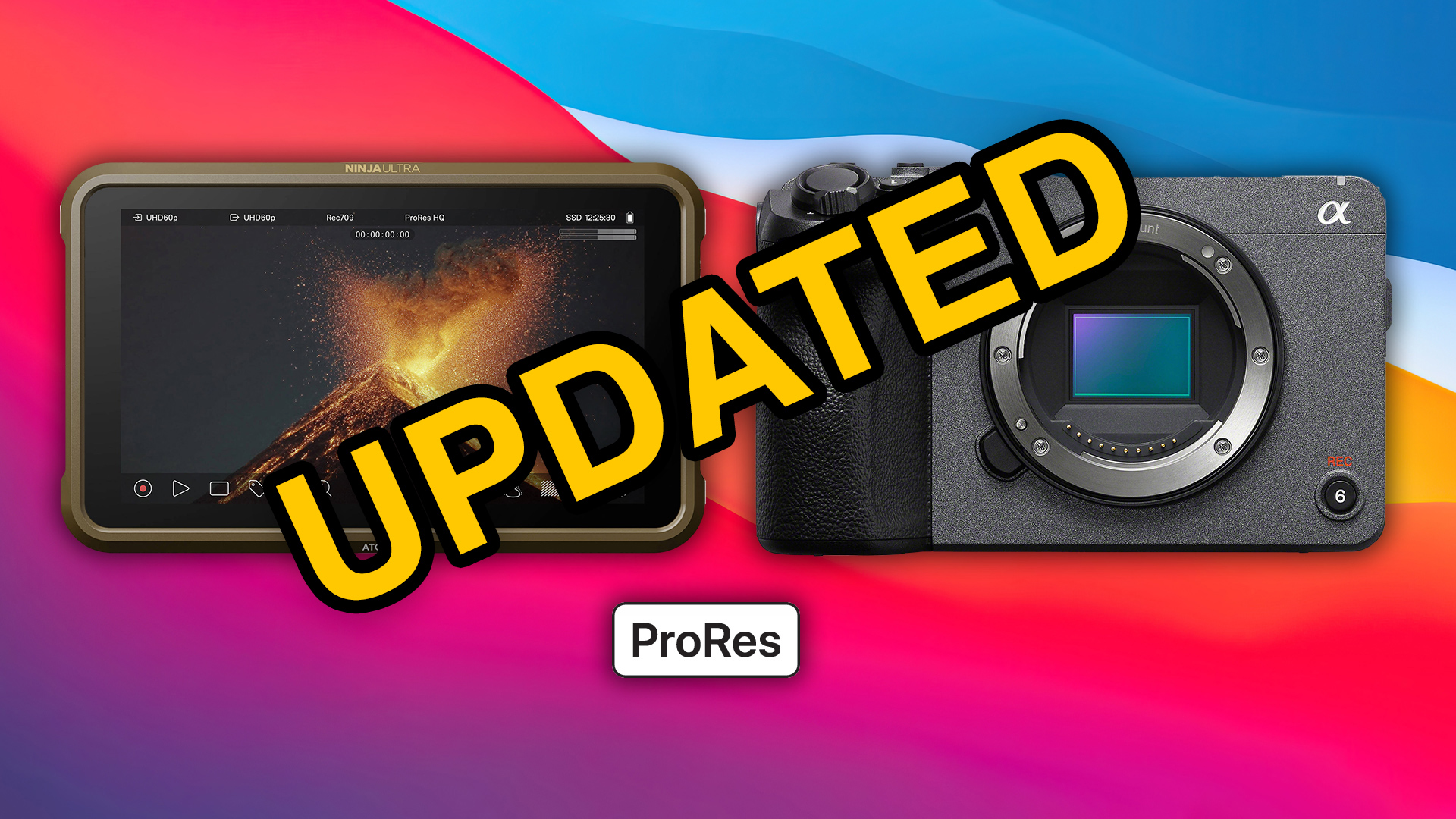
FX30 + Ninja V + ProRes HQ, Updated!
This is an update on a previous article: https://rodrigopolo.com/2024/04/04/fx30-ninja-v-prores-hq-how-to/
Check the Ultimate Atomos Ninja Setup Guide for Canon and Sony Cameras: https://youtu.be/iv3rreK0D9Q
Almost everything in the article is valid, specially on how to setup the camera, but there is a small change that would make a world of difference and your life much easier. Instead of relying on the “Legalize” toggle, disable it and ignore it completely, then, load and use my preview LUT into the Atomos Ninja V, it combines the signal legalization with the 1_SGamut3CineSLog3_To_LC-709.cube original LUT, so you can preview the video as it is meant to be shown, adjust your exposure with either false colors or waveforms and your white balance with the RGB Parade, all while recording in ProRes HQ full range.
You can also use the same LUT as a starting point in DaVinci Resolve or Adobe Premiere.
Download the LUTs, drop them in your LUT folder and load them into the Atomos Ninja V. If these save you time (or money), feel free to buy me a coffee: https://www.paypal.com/paypalme/RodrigoPolo